

Complete a Confirmation Task
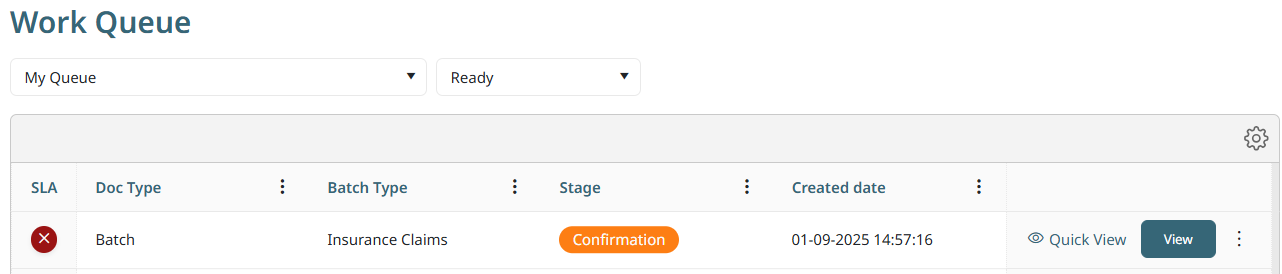
Last Updated: Version R2510If a Confirmation task is a required step in the batch process flow, the task appears in the Work Queue. Note that only users who have been assigned can complete this Confirmation stage. Typically, confirmation is the last step required prior to routing the documents to their final destination.
To complete the Confirmation stage, click View.
At this stage, only the fields for which Data Confirmation was enabled appear in this screen. In addition, only two options are available at this stage: either Confirm or Reject the batch. If Confirmed, the batch moves to the Completed stage. If you reject the task, the result depends on how the Designer has established the process flow..